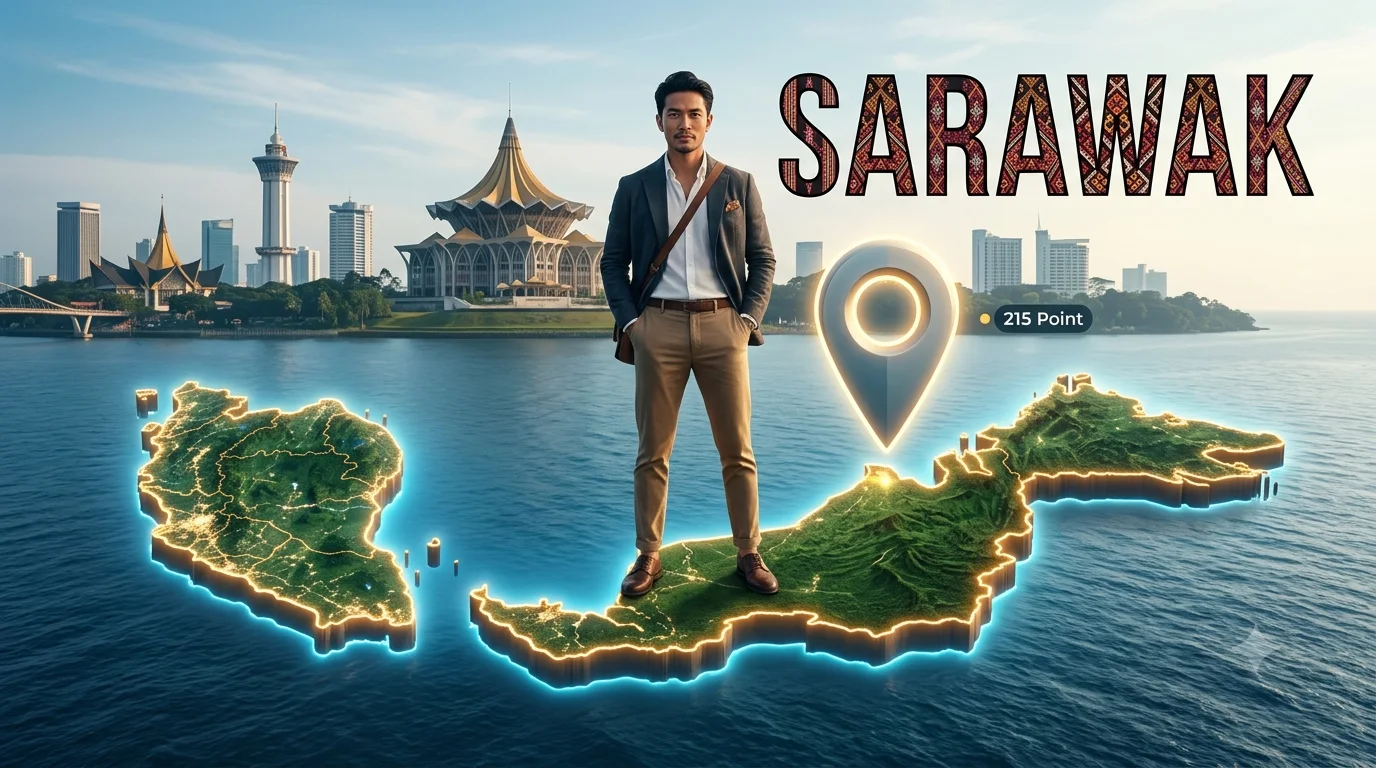
SARAWAK SKYLINE: Floating Malaysia Travel Legend – 3D Cinematic Editorial
Create an epic cinematic AI image using this high-quality prompt optimized for Gemini AI image generation.
Prompt Content
Use this prompt in your favorite AI image generator.
215 Point the location Ultra-realistic 8K editorial-style travel portrait. Use the uploaded face reference exactly the same. He stands in a stylish confident pose, dressed in modern, fashionable travel attire. He is slaying on a giant floating 3D map of Malaysia ( Creates a real shaped of peninsular malaysia and borneo maps accordingly) in above the ocean . A large glowing 3D location pin marks the destination.Behind him rises the realistic Sarawak skyline with its iconic landmarks, rendered in cinematic details.The word "SARAWAK" appears in bold with pua kumbu motive, clean travel
About This Prompt
Auto GeneratedThis is a high-quality Cinematic AI prompt crafted by Admin. It is designed to produce cinematic, film-quality visuals with minimal iteration. The prompt uses carefully selected descriptors and stylistic cues optimised for Gemini AI, making it ideal for creators who want consistent, professional results.
How To Use
Reusable Guide- 1Copy the prompt using the "Copy Prompt" button above.
- 2Open your preferred AI model (Gemini AI) and paste the prompt into the input field.
- 3Optionally, replace bracketed placeholders (e.g. [subject], [style]) with your own values to personalise the output.
- 4Run the prompt and review the result — iterate by tweaking descriptors for different moods or compositions.
- 5Save or export your favourite generations directly from the AI tool's interface.
For best results, use this prompt as-is before making edits — the defaults are already optimised.


