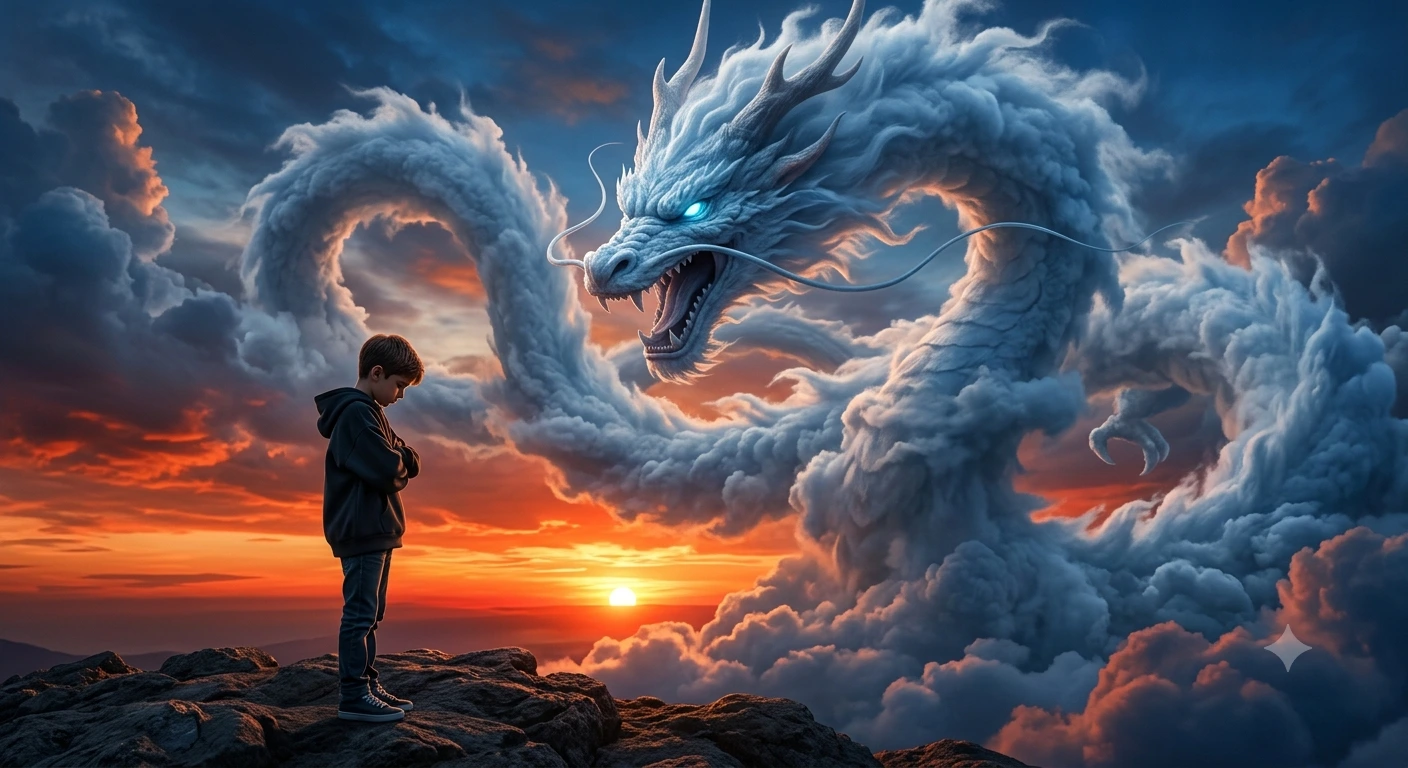
SKYWARD OATH: The Cloud Dragon Over the Silent Boy
Create an epic cinematic AI image using this high-quality prompt optimized for Gemini AI image generation.
Prompt Content
Use this prompt in your favorite AI image generator.
Create an ultra-realistic cinematic fantasy scene at sunset with the exact same composition as the reference image: a massive majestic white-blue cloud dragon made entirely of clouds and mist swirling dramatically across the sky, highly detailed dragon face with glowing icy blue eyes, sharp horns, open mouth, and long serpentine body looping through the clouds.he dragon should dominate the sky exactly like the original image, with dramatic volumetric clouds, epic fantasy atmosphere, and powerful divine energy. In the foreground, place a young boy standing alone on rocky ground in the exact same pose as the reference image: head slightly bowed down, arms folded close to chest, emotional and silent mood, full body visible, side profile stance.Keep the exact same camera angle, exact same sunset position near the horizon, same rocky landscape, same lighting, same dramatic blue-orange sky contrast, same perspective, same depth, same cinematic shadows. The boy should wear a stylish oversized hoodie, straight fit jeans, and sneakers. Ultra detailed, cinematic lighting, realistic clouds, fantasy realism, 8K, masterpiece, dramatic atmosphere.
About This Prompt
Auto GeneratedThis is a high-quality Cinematic AI prompt crafted by Admin. It is designed to produce cinematic, film-quality visuals with minimal iteration. The prompt uses carefully selected descriptors and stylistic cues optimised for Gemini AI, making it ideal for creators who want consistent, professional results.
How To Use
Reusable Guide- 1Copy the prompt using the "Copy Prompt" button above.
- 2Open your preferred AI model (Gemini AI) and paste the prompt into the input field.
- 3Optionally, replace bracketed placeholders (e.g. [subject], [style]) with your own values to personalise the output.
- 4Run the prompt and review the result — iterate by tweaking descriptors for different moods or compositions.
- 5Save or export your favourite generations directly from the AI tool's interface.
For best results, use this prompt as-is before making edits — the defaults are already optimised.


