TEACUP WORLD: Miniature Ecosystem Waterfall Macro Fantasy Scen
Create an epic cinematic AI image using this high-quality prompt optimized for Chat GPT image generation.
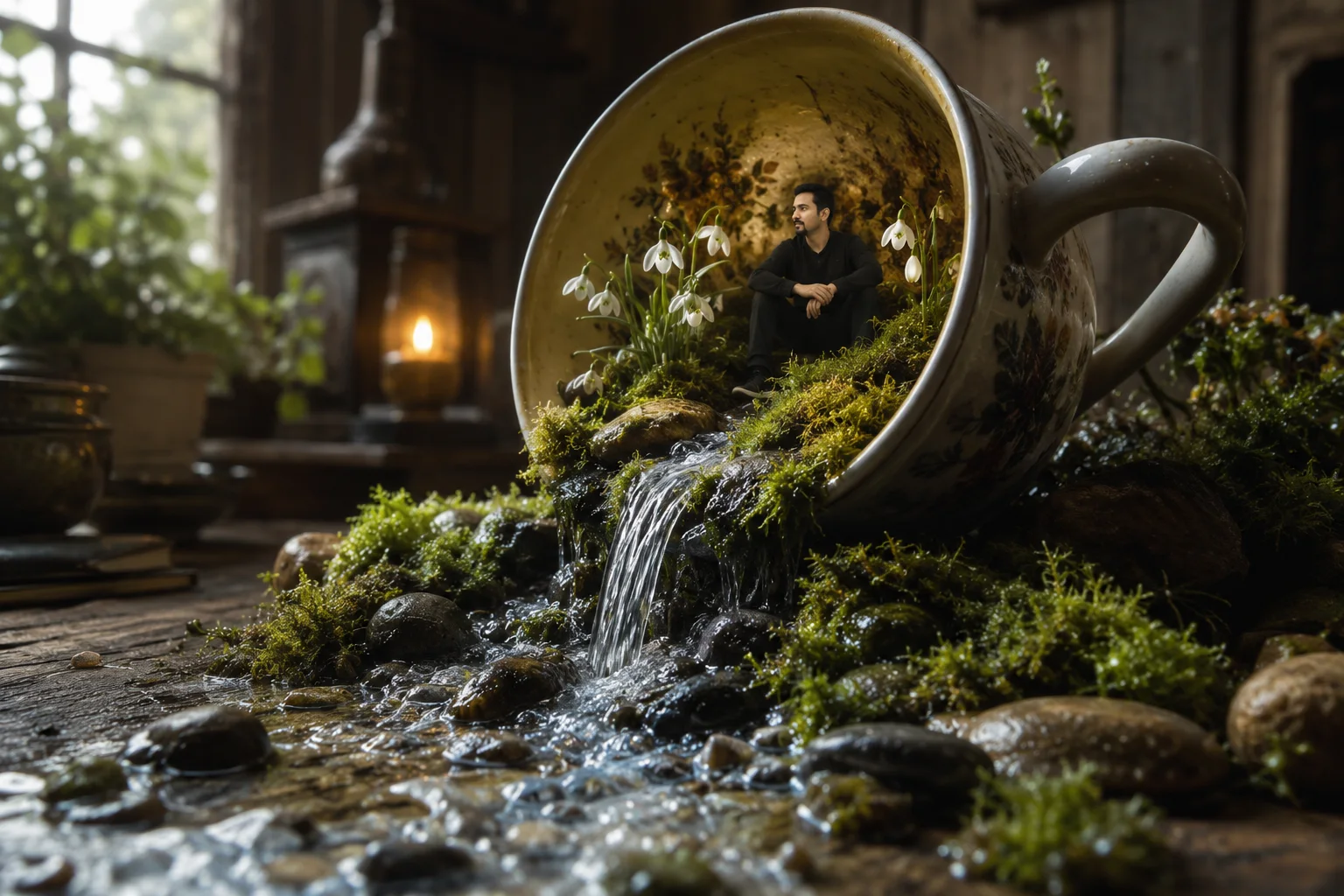
Prompt Content
Use this prompt in your favorite AI image generator.
Create a Macro photography of a miniature ecosystem inside a large, tilted ceramic teacup spilling onto a rustic wooden table. A crystal-clear waterfall flows out of the cup over moss-covered rocks and smooth river pebbles. Inside the cup, a tiny man with a goatee and black hair (use uploaded photo don't alter the face or appearance), sits among delicate white snowdrop flowers and lush green moss. Warm, moody atmospheric lighting with a soft candle glow in the background and natural light coming from a nearby window. Hyper-realistic textures, cinematic composition, 8k resolution, highly detailed water ripples, and soft bokeh
About This Prompt
Auto GeneratedThis is a high-quality Cinematic AI prompt crafted by Admin. It is designed to produce cinematic, film-quality visuals with minimal iteration. The prompt uses carefully selected descriptors and stylistic cues optimised for Chat GPT, making it ideal for creators who want consistent, professional results.
How To Use
Reusable Guide- 1Copy the prompt using the "Copy Prompt" button above.
- 2Open your preferred AI model (Chat GPT) and paste the prompt into the input field.
- 3Optionally, replace bracketed placeholders (e.g. [subject], [style]) with your own values to personalise the output.
- 4Run the prompt and review the result — iterate by tweaking descriptors for different moods or compositions.
- 5Save or export your favourite generations directly from the AI tool's interface.
For best results, use this prompt as-is before making edits — the defaults are already optimised.


